Description
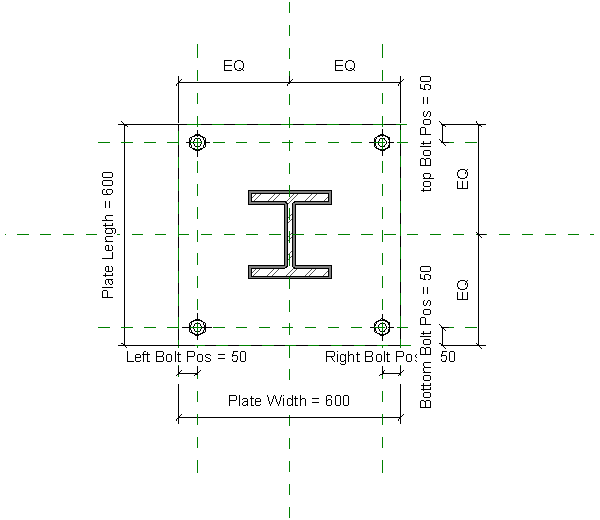
Plan-view detail of a steel column base plate: a rectangular plate with a hatched I-section, UC or UB, sitting centrally on it and a holding-down bolt near each corner. The preview is taken in the family editor, so the dimensions driving the geometry are labelled — plate length and width, and separate left, right, top and bottom bolt positions, with EQ constraints keeping the bolts symmetrical.
Drop it into structural details, footing and pier sheets, connection details and typical column base callouts, where a parametric plate beats redrawing the same arrangement at every column type.
Found in Detail Items, near the block wall detail and the break line symbol. A free Revit family download.